




Back up your data!
Published on 28 March 2016 · updated in 2020
(This article was published in 2016 on pingoo.com, then lightly updated in 2020)
Every year I write an article about backing up your data, every year you read it, and every year you tell yourself "I need to fucking do it." But since sometimes you're a bit slow, you don't do it, you move on to something else, and a good chunk of you lose all of your documents, photos, and so on. Why? Because you put it off until later.
In a few days it's "World Backup Day." It's funny, but above all it's a chance to recall a few figures, which I'll sum up in a single one: 100% of people who have lost their data pretty much had it coming. There you go, that's all. You don't want to be a victim? Then read, and follow my advice, without delay.
Usually I offer tons of different solutions for backing up your data, and every year I vaguely update the thing. This year I'm going to keep it simple and stick to just one option, the simplest and most reliable one: backing up to the cloud. In this case on Google Drive. You can also back up your data to an external hard drive, but consider this local backup a complement, and definitely not your main backup. Why? Because in case of fire, burglary or flooding, your external hard drive won't make it, whereas your cloud backup will.
- Create a Google or Gmail account
Usually you already have one, otherwise, this is the occasion to do it, click here. Plus it'll let you have an email address that's a bit more modern than your hotmail or Free/Orange inbox. We're going to use Google Drive to back up your data. Why choose Google rather than Microsoft or Dropbox? For me it's mostly about ease and flexibility of use, but if you want to use another online storage service, go ahead.
- Adjust the storage space
Log in to your Google account and choose the plan that suits the size of the data you want to back up. If you have less than 15 GB to back up, then Google won't charge you anything extra. If you have more, at the time I'm writing these lines, there's a 200 GB plan for less than 3€ per month, which should suit most of you.
- Install the "Backup and Sync" app on your computers
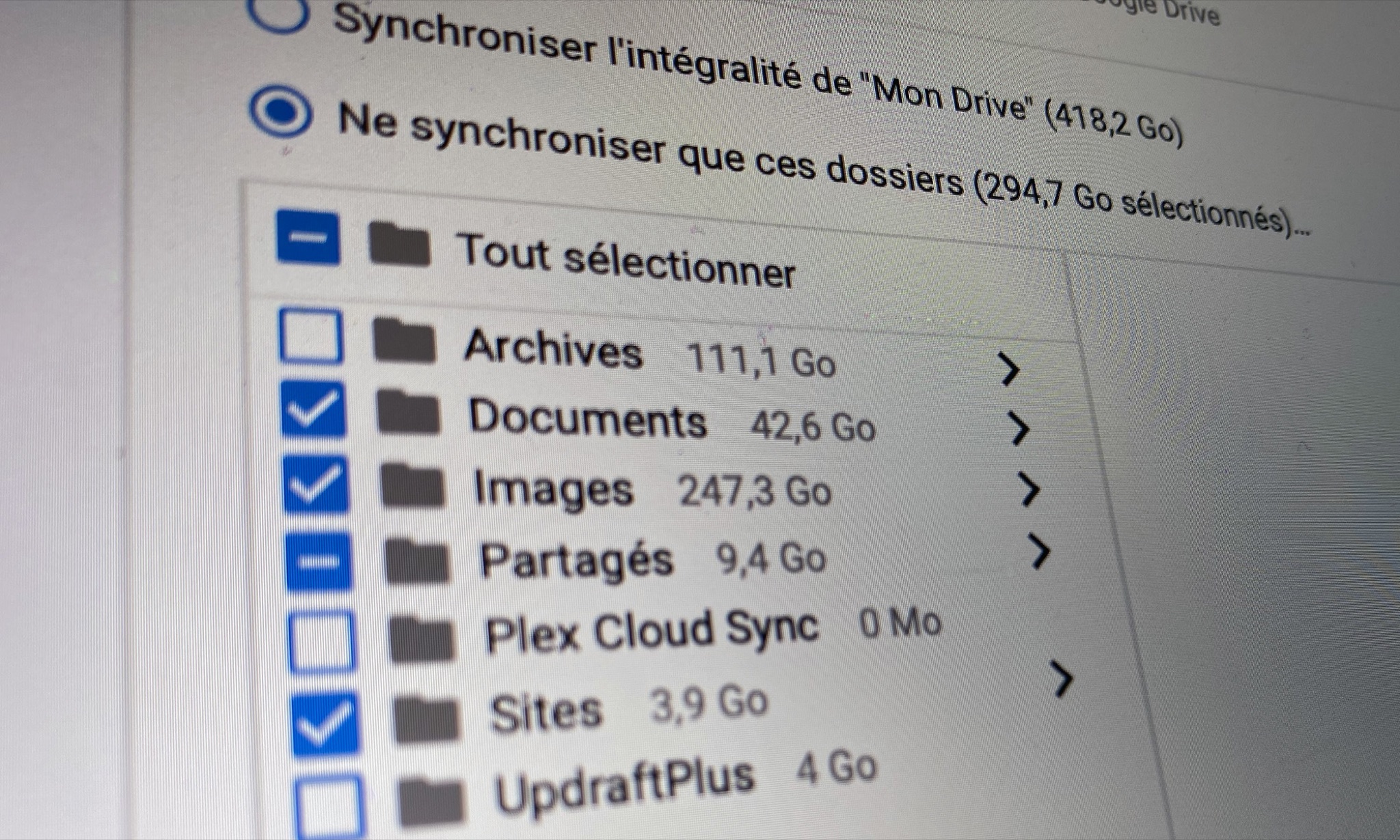
It's simple, you click here, you can install it on your Mac and/or your Windows, and if you have several computers, you can install it on all of them, it'll sync all your data between them.
- Put ALL your important data in the Google Drive folder
Once installed on your computer, Google Drive will create a folder of the same name on that computer, and well it's simple, you move EVERYTHING that matters to you into it, and from now on whenever you create a file, empty a memory card, or whatever, you do it in that folder. Everything will be backed up in real time. You can obviously organize it however you like, create folders, etc.
I obviously advise you to put in the files that can't be found elsewhere. No need to back up the movies you pirated from shady sites, downloaded software you can re-download without a problem, or whatever else that's pointless.
- WELL DONE, THAT'S IT
It took you 5 minutes. Spread the word to your friends, your family, etc.
Frequently asked questions:
– You don't recommend Crashplan, Backblaze and co at all anymore? No, they lack flexibility, they're slow, unstable, in the long run they've become a pain.
– But my connection is slow, it's going to take forever to back up! Yes, if you have somewhat slow ADSL, it's going to take time, maybe several weeks, but once it's done you're all set.
– But wait, that means Google is going to have all my data?! Yes, personally I've chosen not to care, I have little sensitive data and I believe that apart from a few boob photos, Google won't care much. If you work for the secret services, find another solution.
– 3 euros per month is outrageously expensive! No, it's insurance, and it costs less than the price of a backup hard drive of equivalent capacity (roughly).
– What extra will Google Drive bring me? Besides backing up your data, it'll also let you sync it across all your computers (Windows, Mac, home, office, etc.), but also have access to all your data, photos, documents, from your iPhone or your Android, you just have to install the iOS or Android app. So handy.
– Why is it so important? Because the day you lose everything, you're really going to be gutted. I personally have hundreds of scanned family photos, thousands of photos taken with all my digital cameras over more than 15 years, digitized Super-8 films of my family, all my photo shoots, etc. If I lose that, I lose something priceless, far more valuable than 3€ per year. And you too.
– And if I lose my data is it complicated to recover it with Google Drive? No, you just reinstall Google Drive on your new computer, put in your account, and it'll re-download everything nice and easy, while continuing to back up your new data.
By Paingout