




Back up your data, you bunch of idiots!
Published on 3 November 2013
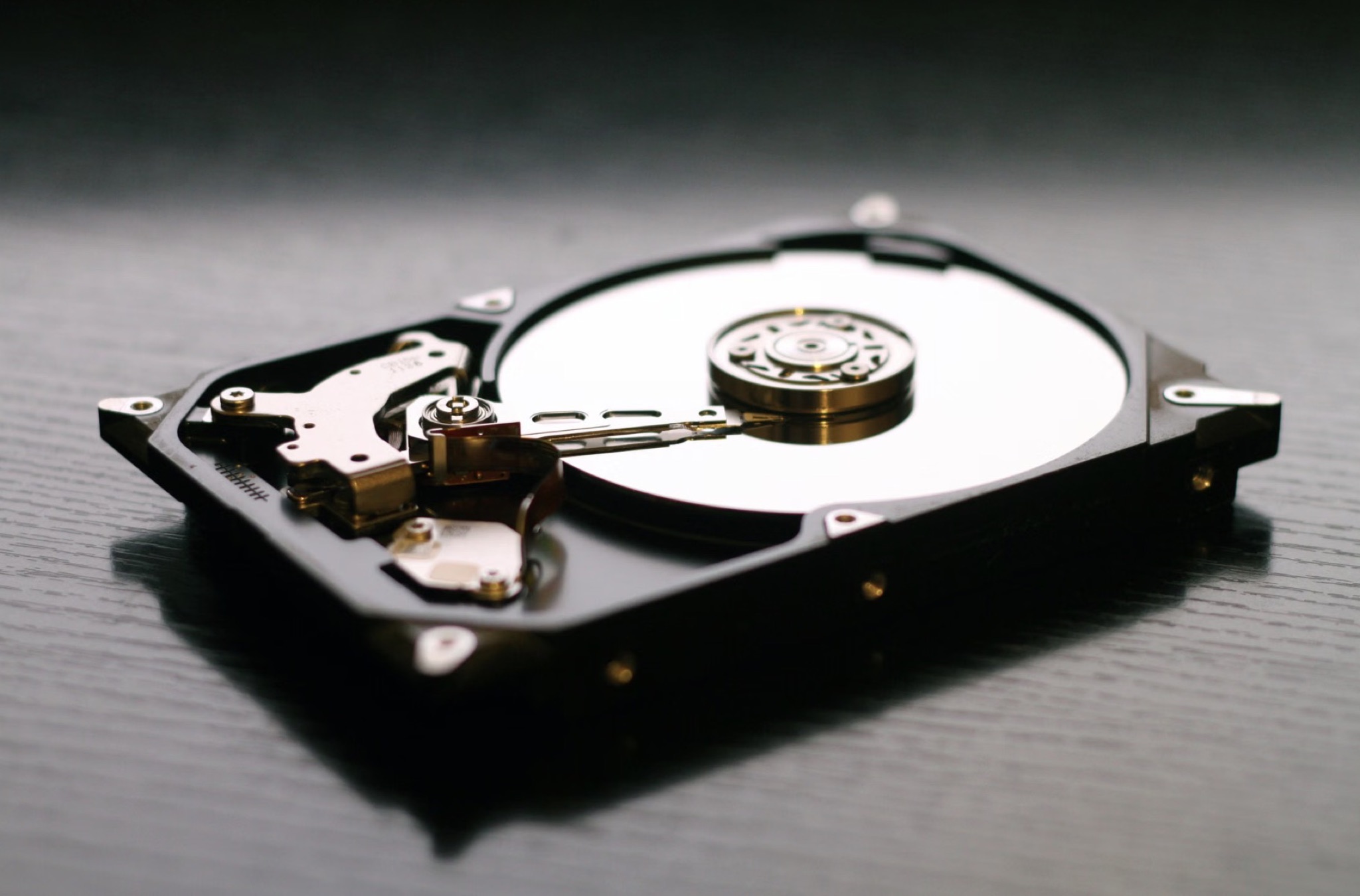
According to an American study published last month, most of you are big idiots. Yeah, harsh, huh :/ The proof? I published this article in early 2011, most of you read it, and yet, almost 3 years later, none of you has an effective backup solution for your data. There you have it, you're idiots. You're idiots because every day, hundreds of people lose their data, because of a stolen computer, a crashed hard drive, a mishandling error, a flood, a burglary, a fire. Every day. Even in your own circle, you're constantly seeing people lose everything, and despite that, you keep doing nothing for your data, neither personally nor in your businesses. So, I'm going to help you, and update you on the simple, affordable solutions at your disposal to avoid a disaster. It's Sunday, you've got nothing better to do, take 5 minutes, and deal with this. The right steps to an effective, permanent backup:
1) Tidy up your data a bit. Delete everything useless, identify the important data (documents, photos), and the data that doesn't need such attention (movies, pirated series, and other nonsense that takes up crazy amounts of space and is easily re-found). Try to centralize your important data in a single source folder (which you then organize into as many little sub-folders as you like).
2) Set up a local backup of your data. Because a hard drive crashing happens to everyone, really everyone. Never happened to you? Well it's coming. So buy an external hard drive dedicated to your backups, and if you're on Mac, just set up Time Machine to back up your data automatically. And don't forget to plug in your external drive regularly so your data stays up to date. On PC, figure it out yourself. There must be equivalents (but buy yourself a Mac, dammit). If you're well-off, buying a NAS or a TimeCapsule will let you back up your data automatically over Wi-Fi, as soon as you're home. Handy, nothing special to do, it works all on its own.
Now, I'm going to tell you something I've been repeating over and over forever: having a local backup is very useful in case of a crashing hard drive, but the burglar who comes to swipe your gear from your living room, he'll take everything, even the backup drives. Same for a fire or a flood. So:
3) Back up your data online. To do this, I'm going to cover 2 types of need. – You have little data, between 0 and 15 GB of data. DROPBOX: Free up to 2 GB, the iOS app for accessing your data is really good quality, the service is fast and stable. GOOGLE DRIVE: Free up to 15 GB, the iOS app is less stable than Dropbox's, but the service is good, and Google-service regulars will find what they need. My advice is to lean toward Google Drive, if only because their rates, should you need more space, are more attractive. Unless you're messy and have lots of folders to back up all over your computer. Google Drive can only back up a single folder, whereas Dropbox can back up anything (but not by default, you have to fudge it a bit).
– You have more than 20 GB of data, or even 1 or 2 TB of data to back up. BACKBLAZE: About 4 euros a month, the app works like a Time Machine, and backs up all your data, with no size limit, to the cloud. It can take weeks or even months depending on the volume of data you have to back up, but once it's done, you're set. The whole thing works invisibly, nothing to trigger, the app constantly scans your computer and sends the data to Backblaze's secure servers. Backblaze's big strength is being able to receive a hard drive with your data on it, if needed, which is obviously paid, but can save you from downloading all your data when you need it (and dealing with a slow connection). CRASHPLAN: The mode of operation is identical to Backblaze, but lets you back up your data to other computers, in addition to Crashplan. Handy for making a backup at the office or at friends' places. On that one, I wouldn't know what to tell you to choose between the two. If you really have very sensitive data, and you want to be sure you can recover it very quickly, via a hard drive shipped with your data, choose Backblaze. If you're paranoid and want to make a backup of your data at the office, or elsewhere, choose Crashplan. Note that both offer an iOS app to access your data on your iPhone/iPad, it's pretty recent, and it's formidable. So in some cases, and given the prices charged, you could even consider these two services almost as flexible as the two mentioned earlier, namely Dropbox and Google Drive.
THERE YOU GO. There are obviously plenty of other solutions, I'm giving you these 4 because I use them daily in various contexts. It's up to you, the important thing being to STOP WAITING to back up your damn data. Trust me, and I promise I'll stop calling you idiots 🙂
Photo credit: AI-generated illustration
By Paingout