




AirTags: hands-on!
Published on 30 April 2021
Today is the day the first units of AirTags are being delivered! We got to receive ours, and run a few tests…
What's it for? They're little pucks that slip into a keychain, a bag, a wallet, or even why not a car, to locate a lost object as precisely as possible. For example if you put your AirTag in a wallet that you forget at the store checkout, you'll be able to find the wallet thanks to the "Find My" app on iPhone!
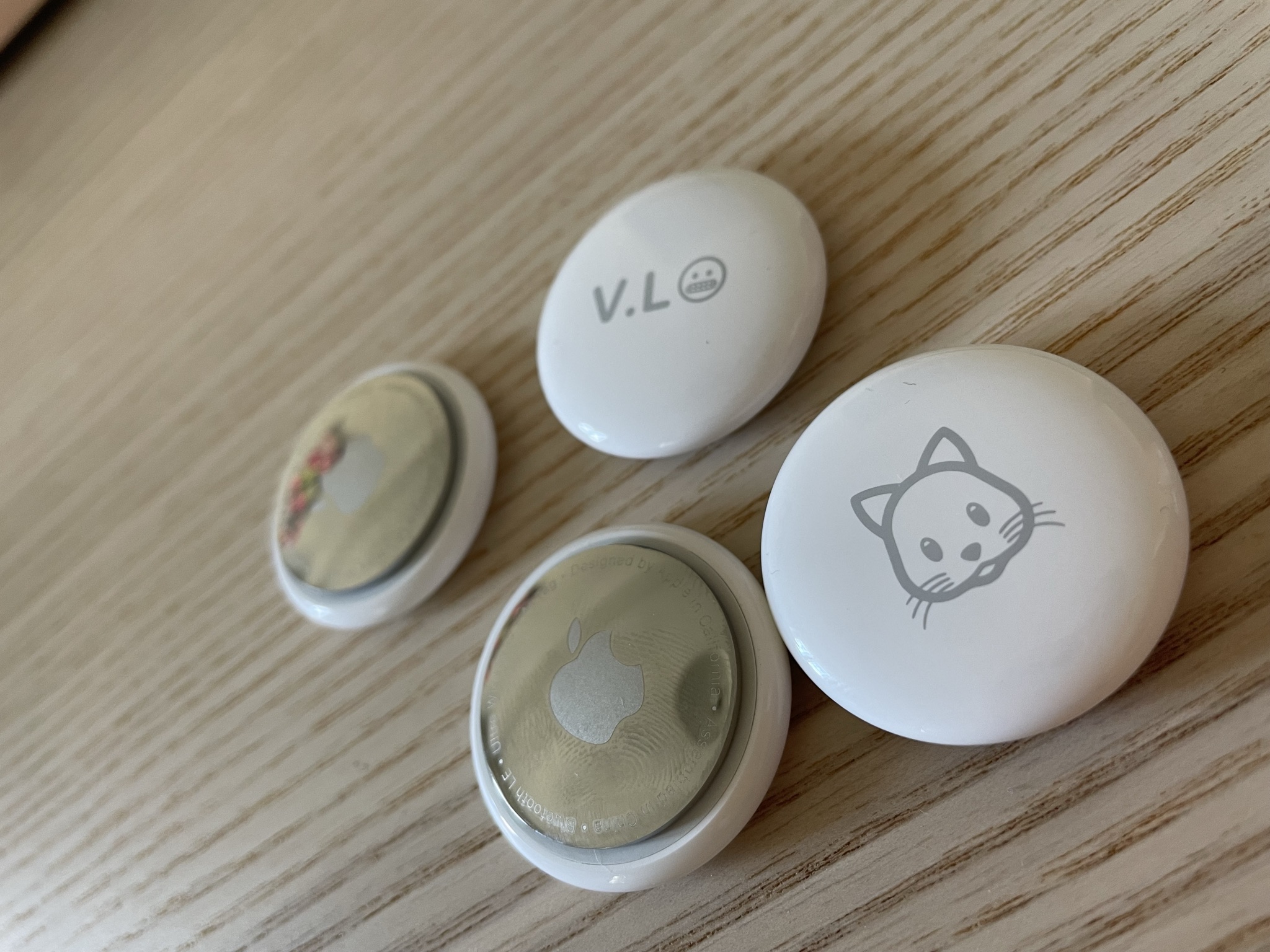
What does it look like? The thing takes the form of a little disc three centimeters in diameter, it's really very small. One side is white and can be engraved when ordering on the Apple site (with a selection of emojis, numbers and letters). The other side is silver, shiny, easily scratched by the way, and sports the indispensable Apple logo.
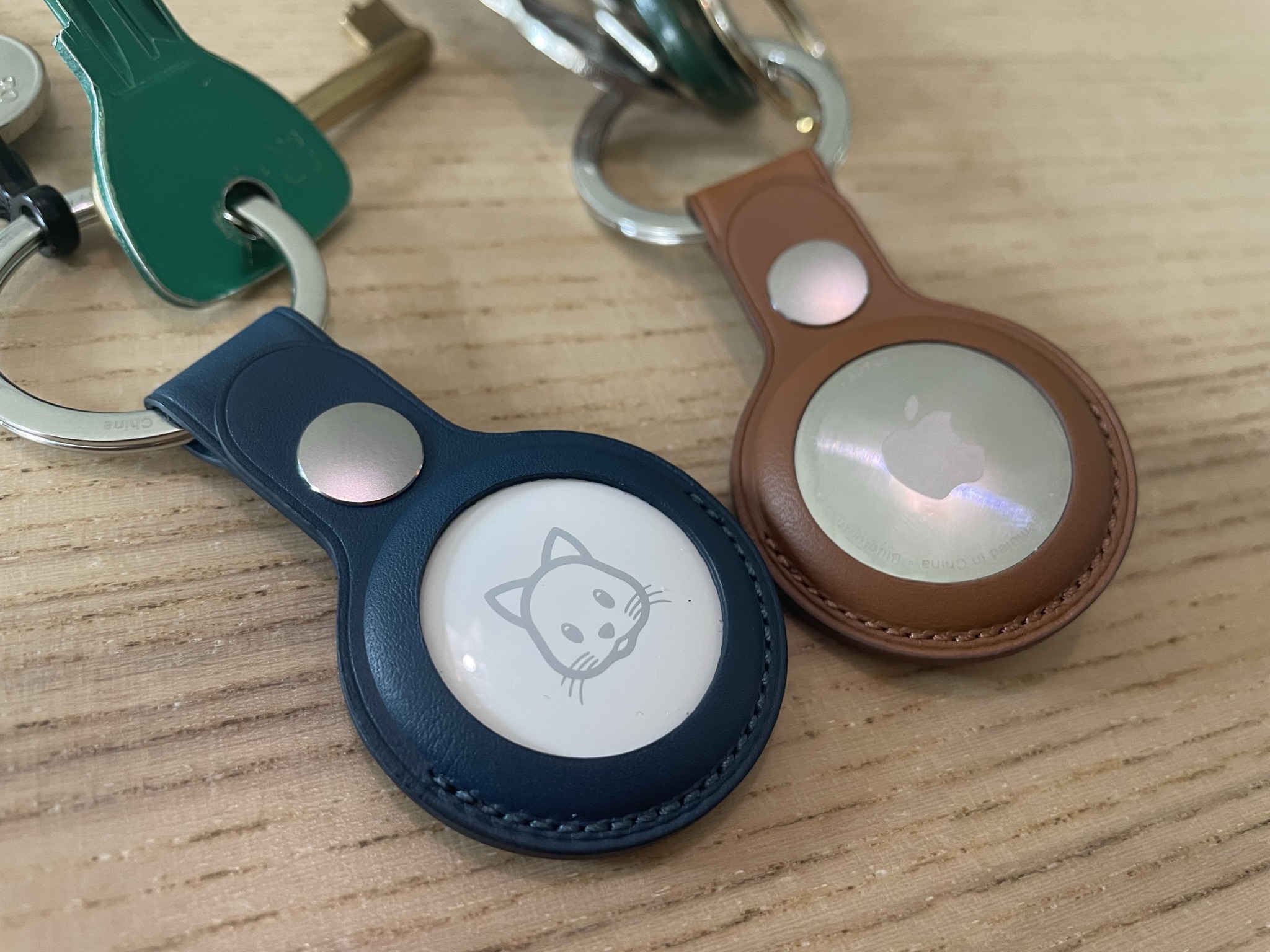
And the accessories that go with it? There's a whole range of accessories, plastic attachments and keychains, leather keychains, and for the wealthiest among you, Hermès accessories at indecent prices. All the accessories sold by Apple ooze quality. It's also possible to find some on Amazon and AliExpress, with more or less acceptable finishes.
How do you set up an AirTag? You can hardly get simpler… You remove the little tab that blocks the battery (a very easily replaceable CR2032). You bring the puck close to your iPhone (which absolutely must be up to date with the latest version of iOS, namely version 14.5). The AirTag is automatically detected by the "Find My" app, which will simply ask you what object it's about (keys, a bag, a bike, etc.) And there you go, that's all! All that's left is to put it in the bag or on the keychain you want to locate.
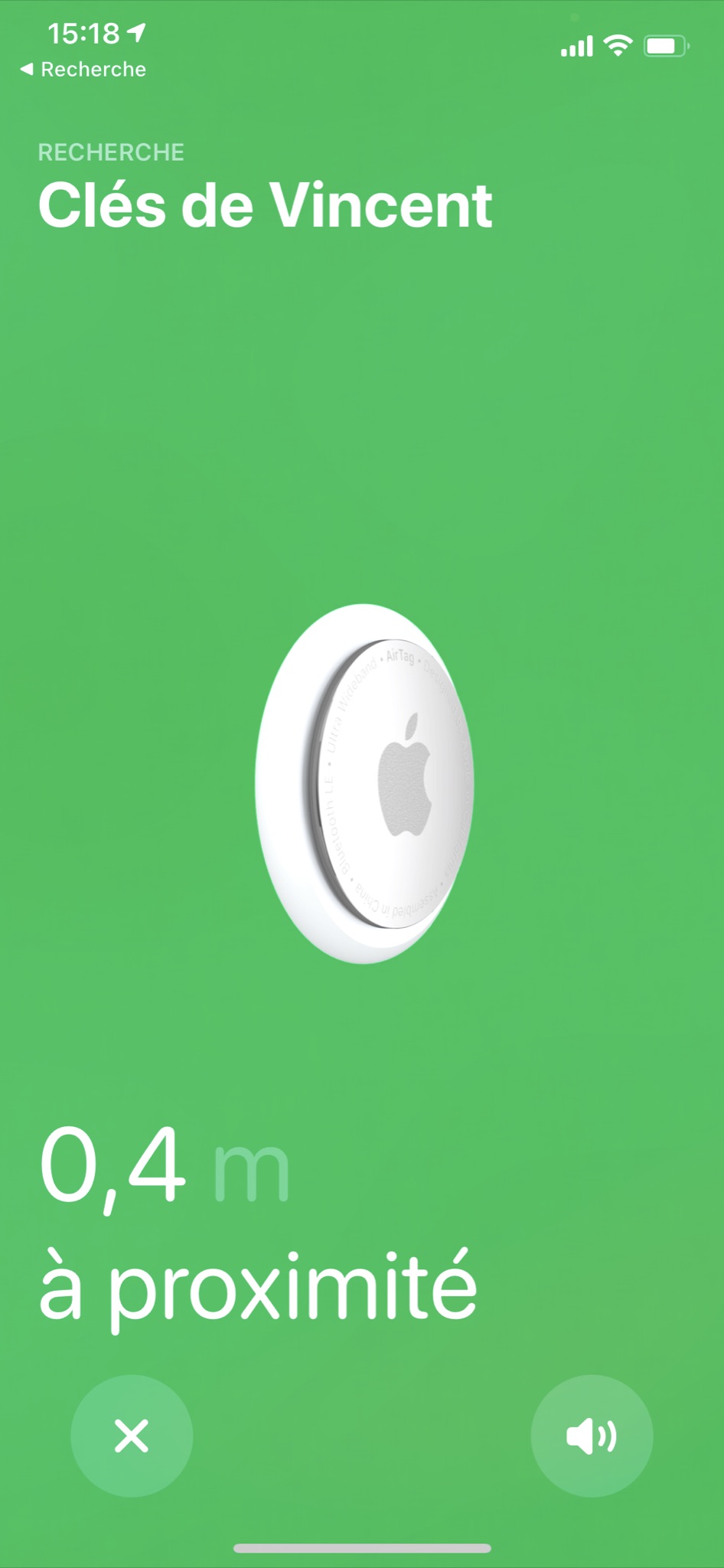
And then how does it work? It's dead simple: if you lose your keys, you can either try to make the AirTag ring, which can be useful if you lost it in your apartment. If it's lost outside your home, then you can choose to locate it! If it's near an iPhone (anyone's), it'll be located, or else it'll show you the last known position. You can then declare it as "lost" in the app, if you want to get in touch with the people who find it (and who will also be equipped with an iPhone). If you have a recent iPhone (iPhone 11 at least), it'll also be possible to find it with a precision of a few centimeters, thanks to the built-in U1 chip.
But so can you track people with it? Not really. If the object is away from its owner for too long, it'll automatically switch to lost mode and emit a beep, not very discreet indeed. What's more, if the person you're trying to track has an iPhone (or passes near an iPhone), those iPhones will be notified, here again not great for directly tracking. And that's a good thing. Apple also points out that AirTags aren't made to monitor children or animals.
So do we buy it? It's the kind of dead-simple product that's quickly forgotten, and that can clearly be useful one day. You have to see it both as a little insurance in case of losing a valuable object, something to reassure yourself a bit, and as a nice object. The keychain, for example, makes a nice little gift, both practical and aesthetic. So yes, we buy, unless you don't really care about losing your keys, you never travel, or you have no valuable object to locate.
- You can order them directly on Amazon, by following this link: AirTags on Amazon. – The official accessories are over here: Apple accessories for AirTags.
Photo credit: DR
By Paingout