




Hey Google, Siri, turn on the light, launch Netflix and heat up the pizza!
Published on 23 January 2018
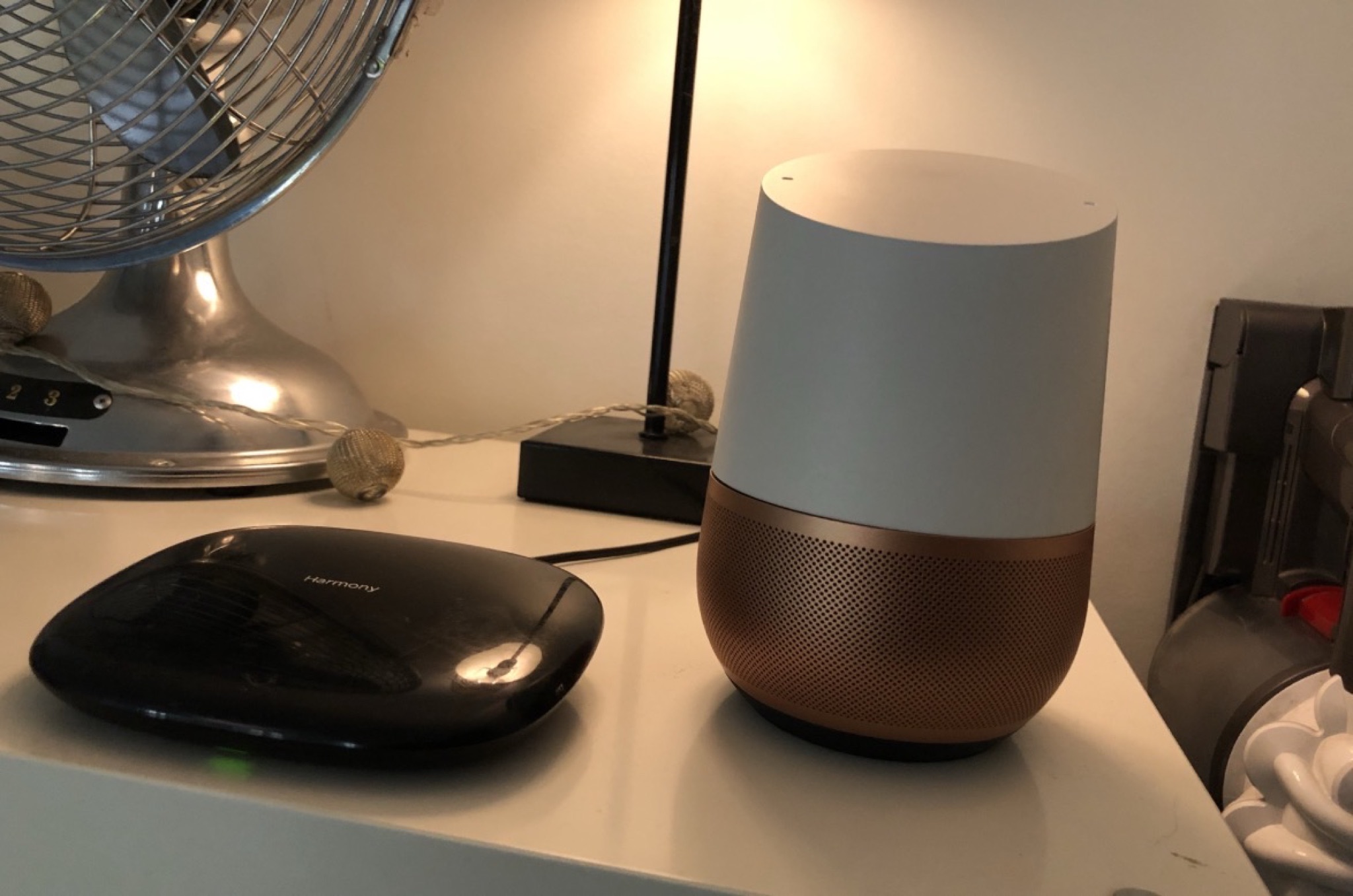
To be honest with you, I'm not quite at the point of heating up my pizzas by voice, but it would be entirely possible!
The goal of this article is to walk you through the automations and voice commands I've set up in my apartment. The idea was to keep it simple and make the annoying little daily chores a bit more automatic or playful. Here, by the way, is the tweet and the video that made you want to ask me to write this post: See the tweet None of this is essential, and it's above all because it amuses me that I went and wasted time configuring all of it. I'm curious about these things and I admit that once you've started, you quickly want to go further.
All the solutions I've set up may not be the simplest, and I can obviously go much further, but at least everything is accessible (and easy to share with friends and family who come into my apartment, as long as they have an iPhone or an Android), and if you want to do the same at home, well, it's easy! I won't go into the details of the configurations, everything is pretty intuitive, I'll just tell you the gear to use, and then you figure it out!
In this article we're going to talk "home automation for dummies", ok?
What I can do in my apartment:
- Turn on all my lights/fairy lights/lamps remotely, by voice, with connected switches, and/or according to defined scenes (to watch a movie, for dinner, as a nightlight, etc.)
- Have lights turn on when I enter a room (my kitchen).
- Play music or the radio with my voice.
- Play music on my amps by voice.
- Control my TV, my amp, my PS4, my music, with my iPhone, or a single remote, or by voice.
- Set my heating by voice.
- Ask billions of questions to Google, by voice.
To do this, we've got roughly two technologies I use at the same time: Google Assistant (via Google Home) and Apple's Siri, the famous "Hey Siri".
Rather than picking one, I decided to use both. Depending on my needs I say "Hey Google" or "Hey Siri", a bit like having two servants at home, classy.
You can obviously choose to route everything through "Hey Google", but you'll lose support for HomeKit hardware that's only compatible with Siri.
On the other hand Siri is really very dumb as soon as you ask it the slightest question, so I don't trust it for everything… There you go, now we're going to look at all the gear I use for this.
You'll see it can quickly add up budget-wise, but nothing forces you to go this far. Conversely you can go WAY further if you have the patience and the cash.
– Control all your lights with Philips Hue.
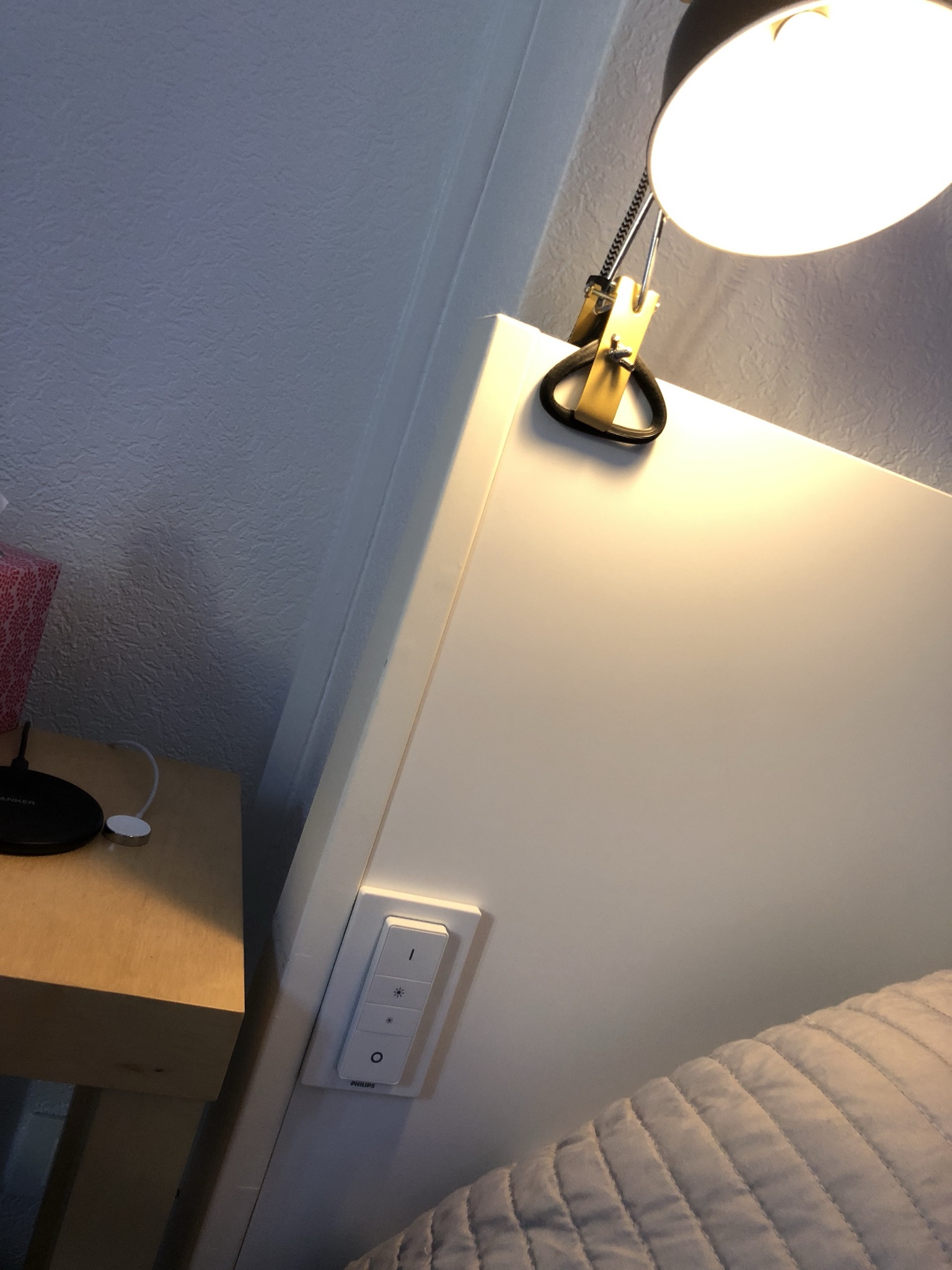
To do this you'll need a recent kit if possible, with a few lights, I recommend this one with 3 bulbs and the "bridge" needed to make the whole thing work (plus a switch). For the rooms where you don't need to change colors, I recommend these two "white" bulbs whose warmth you can vary (whiter or a bit orange). In my kitchen I paired a white bulb with this motion detector, simply magnetized to my fridge. In my bedroom I installed two white E14 bulbs on bedside lamps, with two switches that I stuck to my headboards, on each side.
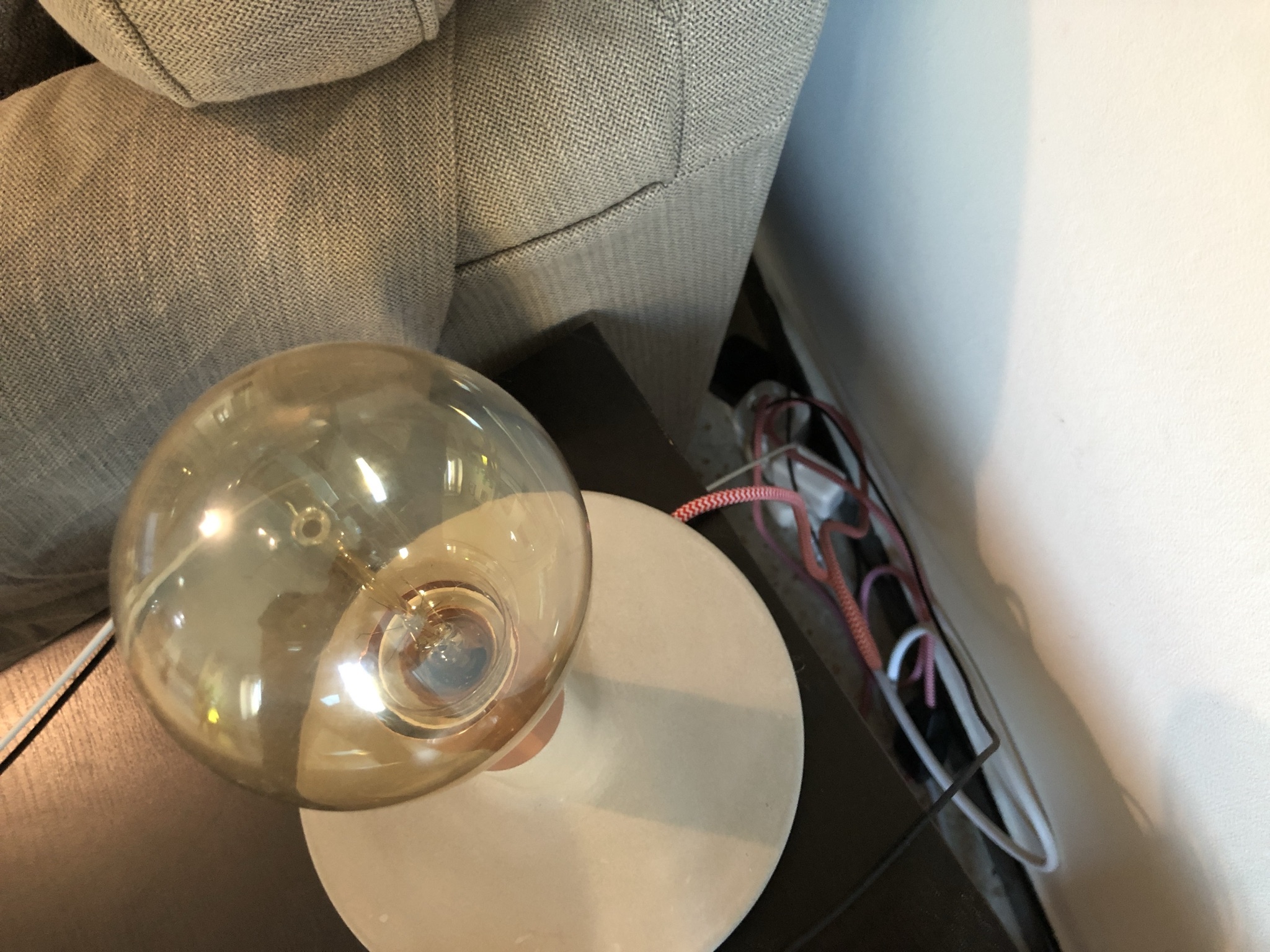
So much for the connected bulbs! I stuck them in every room except the guest room (which I also rent out on Airbnb), and the toilet. For the rest, well, I can change my ambiance whenever I want, in every room, even the bathroom. And so how do you handle the lamps that aren't connected? Like a slightly vintage bulb, some fairy lights, etc.
Well, to do this I use connected plugs from the brand Elgato compatible with HomeKit, like my bulbs.
Once everything is connected to HomeKit, you can control this whole little world with your iPhone by saying "Hey Siri", but also with your Google Home if you own one. In both cases you can light up entire rooms, change the colors, the ambiances, turn everything off when leaving, etc.
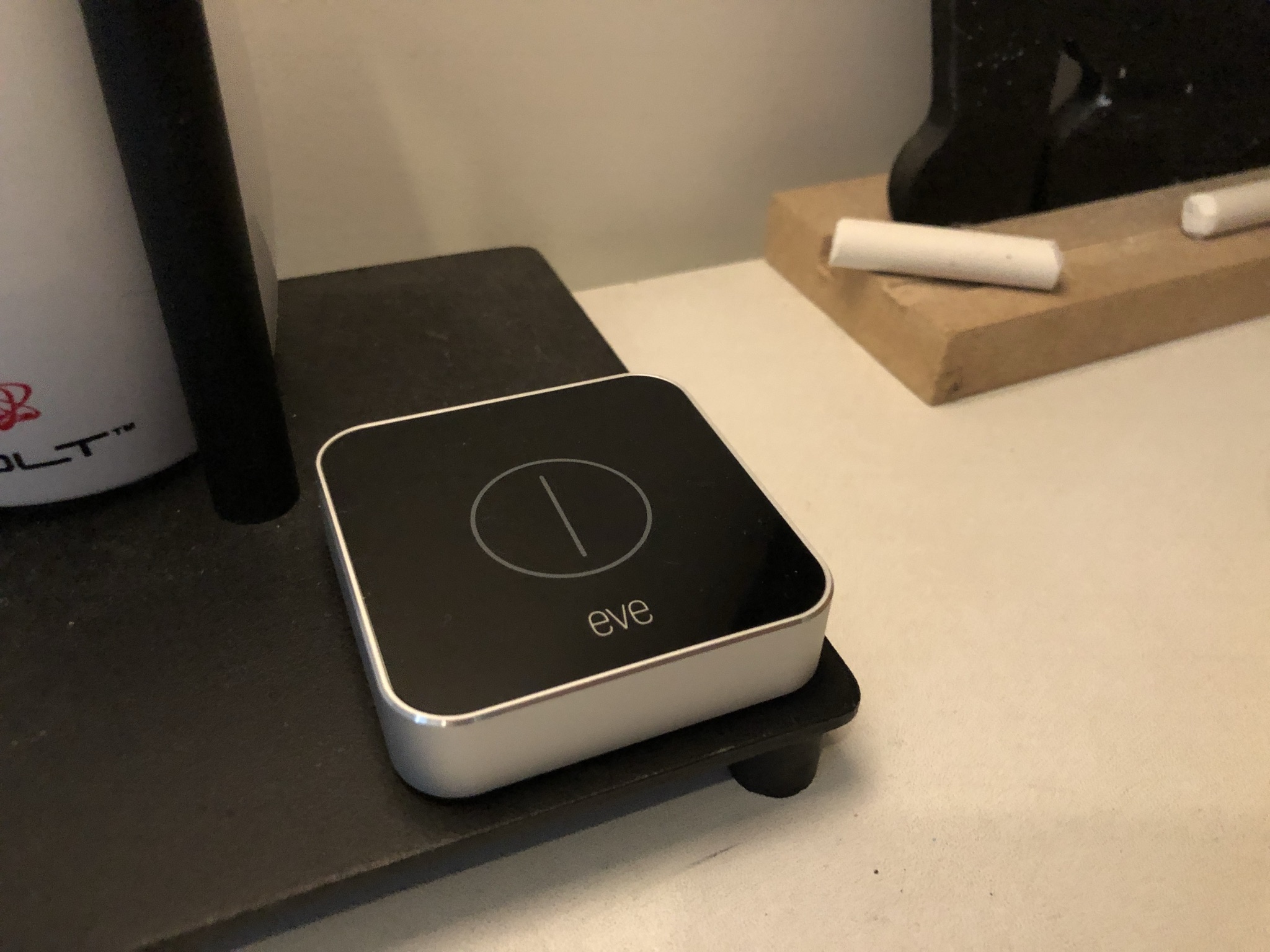
The question arises of letting people who aren't comfortable with home automation, Siri or Google, control your lights. In addition to the Philips switches for my bedside lamps, I have two Elgato switches that let me carry out simple actions without a phone. In my entryway one of the buttons lets me turn on the whole apartment, or turn it off, or activate the "Airbnb standby" scene. I have a second Elgato switch to set the ambiances of my living room, dim if I want to watch a movie, or very bright if I want to have dinner.
– Control everything by voice.
I chose to control my lights with Siri, by saying "Hey Siri, turn on the bedroom lights" for example, but for almost everything else, I use Google Home! I have two, a classic one in my living room, and a "mini" in my bathroom. Most of the time I ask them to play me music via my Spotify account, I also ask them to set a timer, launch a radio, or info about this or that celebrity, nothing crazy.
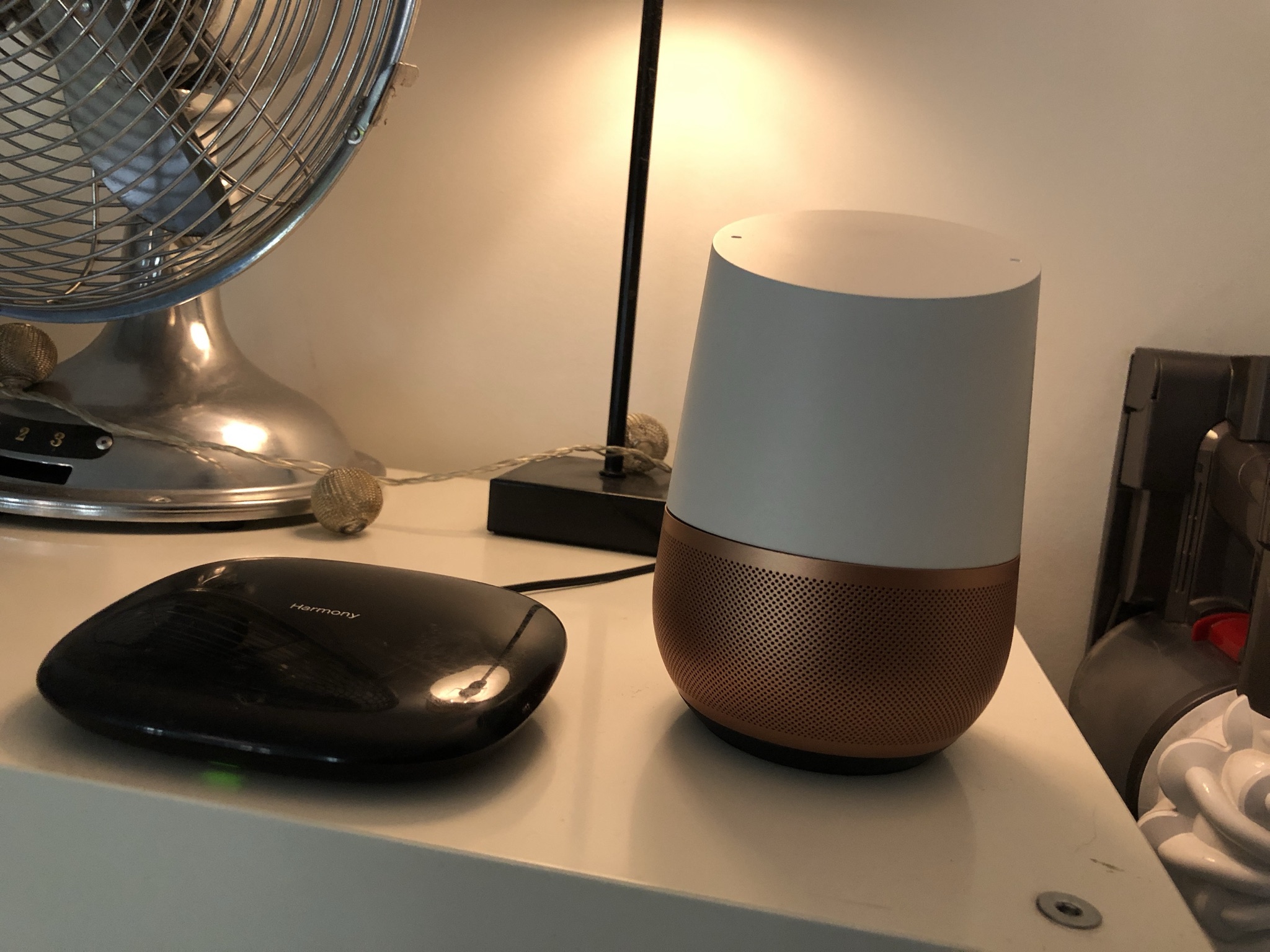
When you play music on a Google Home, the music plays through the Google Home's speaker, which is very mediocre on the Google Home Mini, and barely decent on a normal Google Home. To play the music directly on your amp or your home cinema, you can simply connect a Chromecast (HDMI) or a Chromecast Audio (Mini Jack) to your current audio setup, and hop, your Google Home will know how to play the music directly on your setup (and videos possibly if it's connected via HDMI to your TV). But what gets crazier is controlling other devices that have nothing to do with the Google Home. To do this we'll use a Harmony Hub, paired or not with a physical remote. This Hub (which replaces ALL your remotes) will let you control your amp, your television, your speakers, your game console, all with your iPhone or your Android, but also by voice with your Google Home. The setup is a little tricky because you have to create an account on IFTTT. The IFTTT site will let you connect all your hardware linked to your Harmony Hub, to your Google Home. You choose a phrase yourself, like "Hey Google, turn on the telly buddy!", you link this phrase to the "turn on the TV" action of your Harmony Hub, and HOP the TV will turn on when you say this phrase! You can even specify a response phrase like "Ok friend, enjoy your show!"
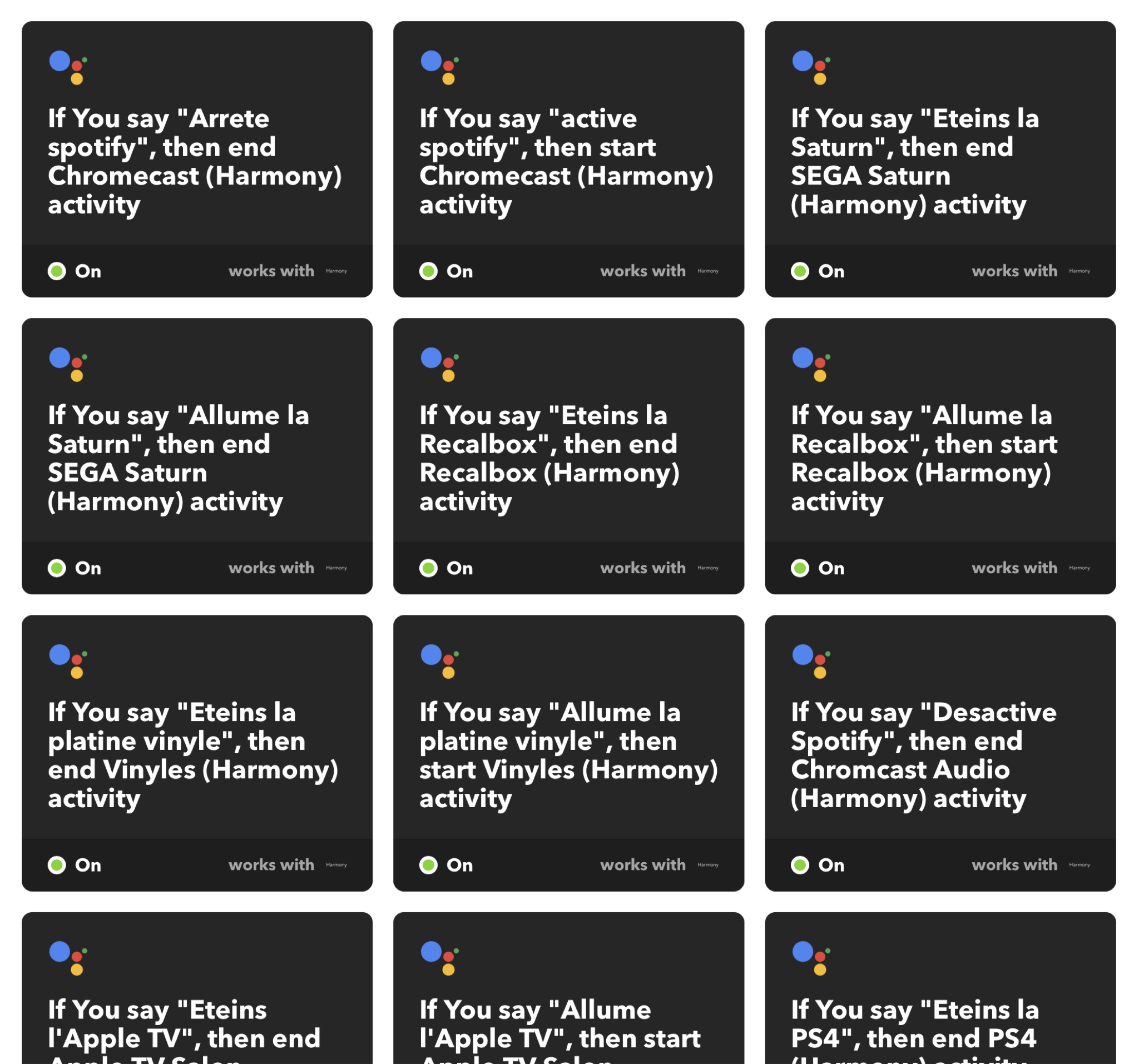
I've configured absolutely everything with that combination, I can turn on and off my PS4, my amp for music, my Apple TV, activate AirPlay on my amp, my turntable, etc. EVERYTHING. I can also of course ask it to turn on my TV to my Chromecast's output, then play YouTube videos, Spotify music or Netflix shows directly on my Chromecast, itself connected to my TV, all linked to my amp and my Bose speakers. Without moving from my couch. If the thing seems complicated to set up, hop over to YouTube and search "Harmony Google Home", you're going to get 150 billion videos describing how to do it.
– Set the heating with Google Home.
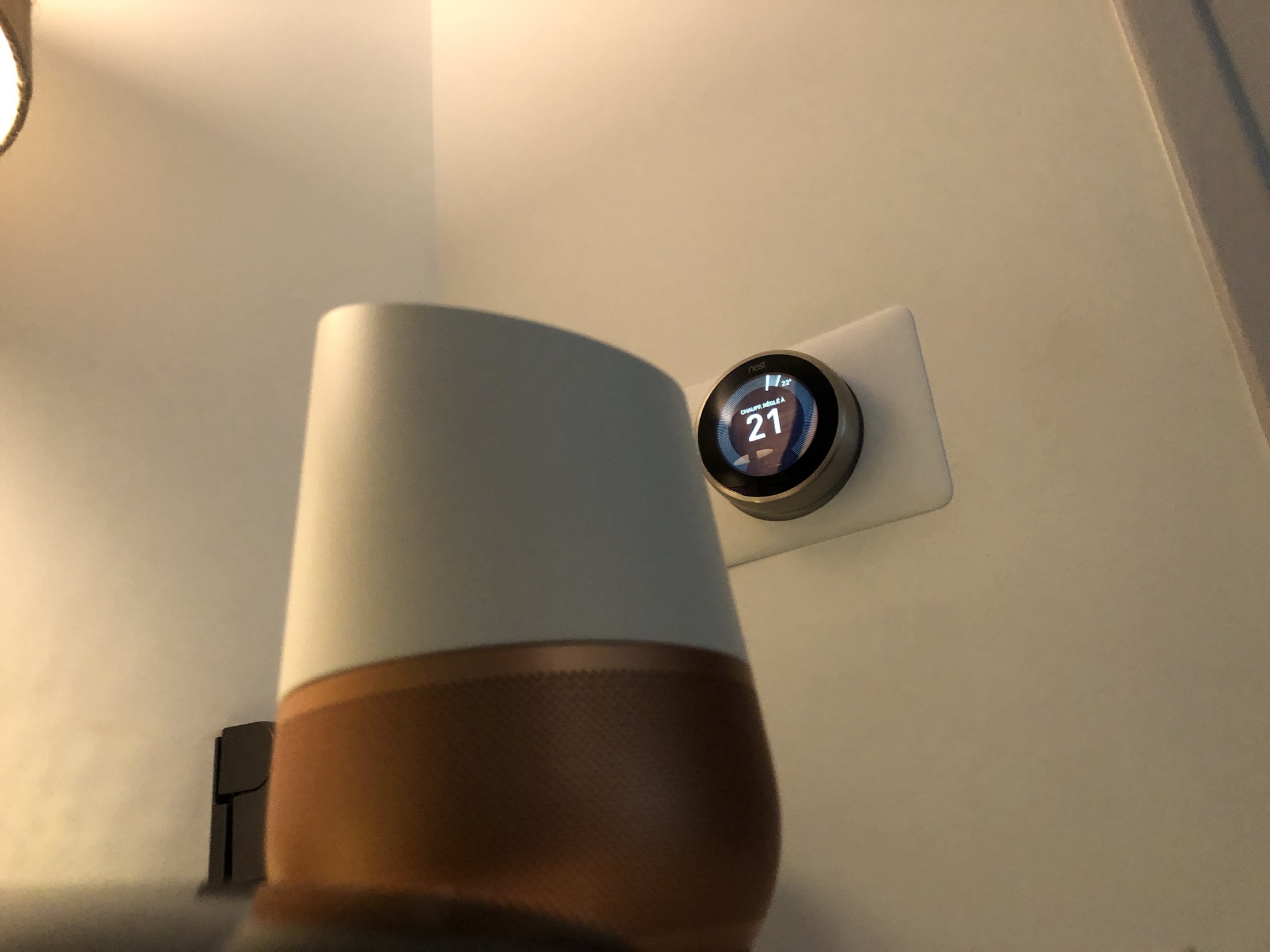
Honestly, I love being able to tell my Google Home "turn off the heating" or "set the heating to 20 degrees", and I do this with my NEST thermostat, which couldn't be simpler to install. The two connect very simply in the Google Home app (which works very well on Android and iPhone).
– What I'd still like to do:
- Control my surveillance cameras. Mine aren't HomeKit-compatible, so I have to enable/disable them with dedicated apps…
- Control my robot vacuum. Not possible with my current model, too bad.
THERE YOU GO!
If you have questions, search on the Internet, there's no point asking me technical stuff, I'm honestly not an expert. On the other hand if you have ideas for cool things to do with this kind of thing, leave comments 🙂
Photo credit: DR
By Paingout